
Brand Guidelines and Files
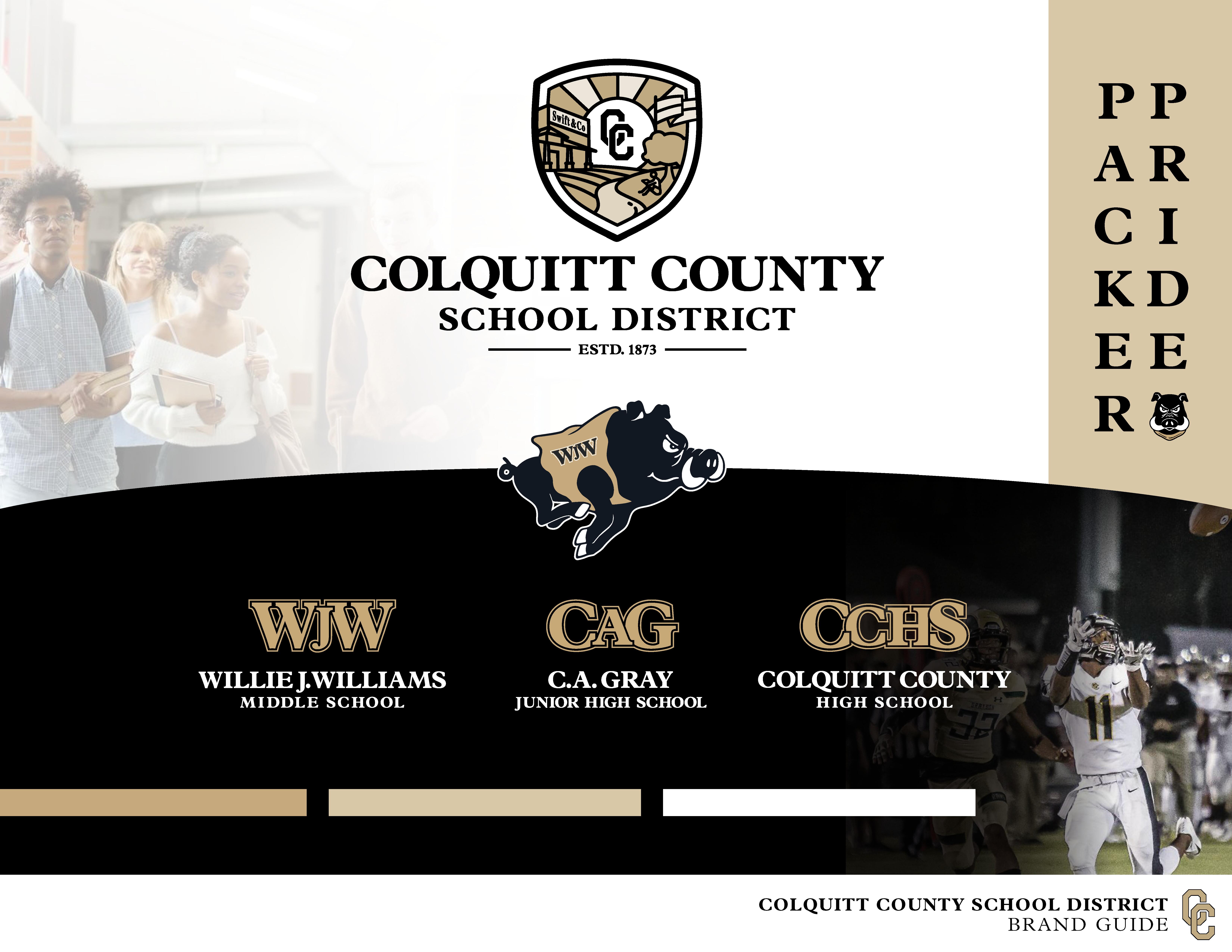
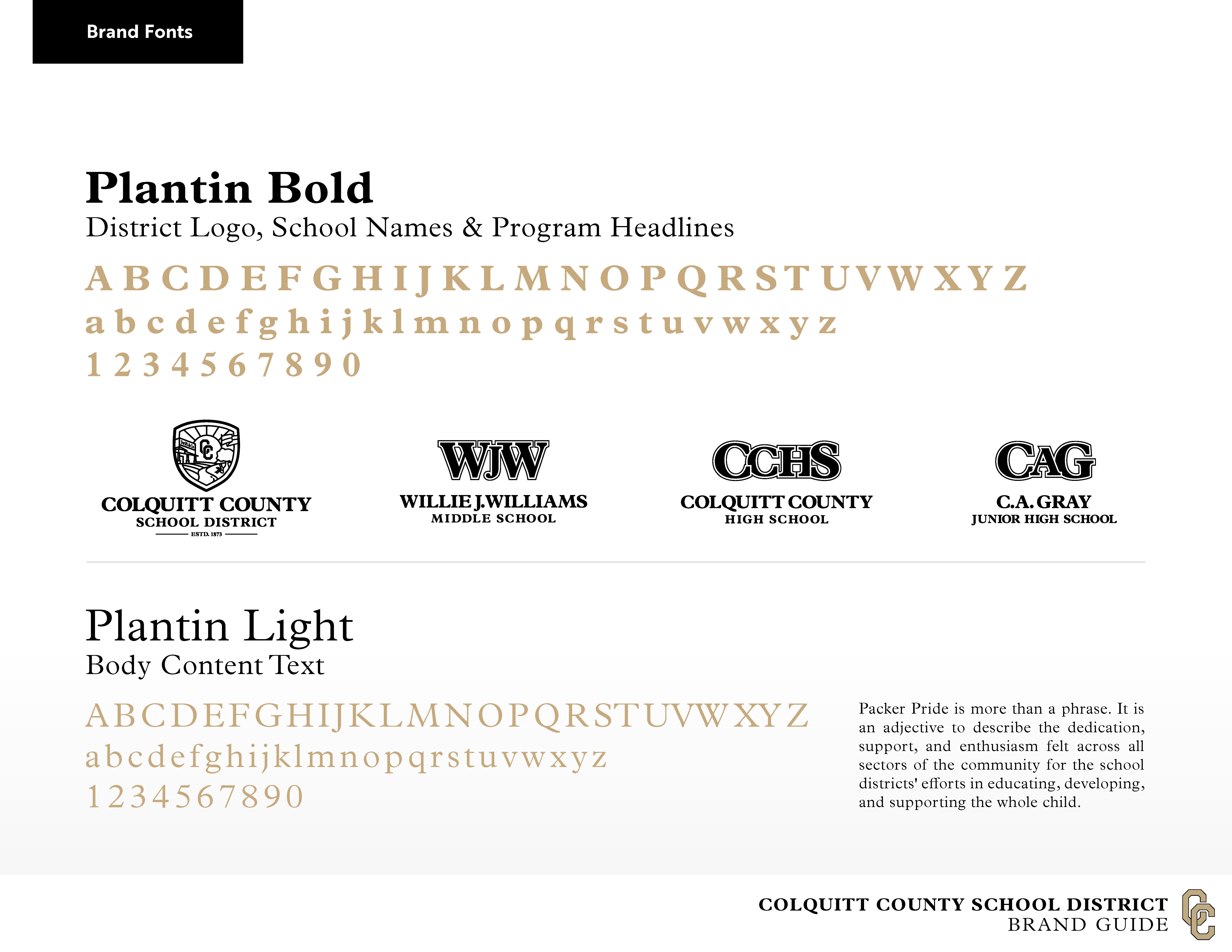
This Brand Guide has been developed to represent the pride that is instilled in this community around the school district. All individuals, schools, school affiliated organizations, non-affiliated organizations, and vendors are asked to follow the guidelines for the district and each school. We have provided the most common logo formats for print production, font files, and color codes to ensure consistent use of the brand. If you need a logo in a different format (example: digital) or want to alter a logo, please email communicationsoffice@colquitt.k12.ga.us. Permission must be granted for any logo to be altered from its original design.
1)Why did the district go through a branding process? Our district did not have a uniform district brand with standard logos for all the schools. This caused the district and schools to have numerous items and color schemes.
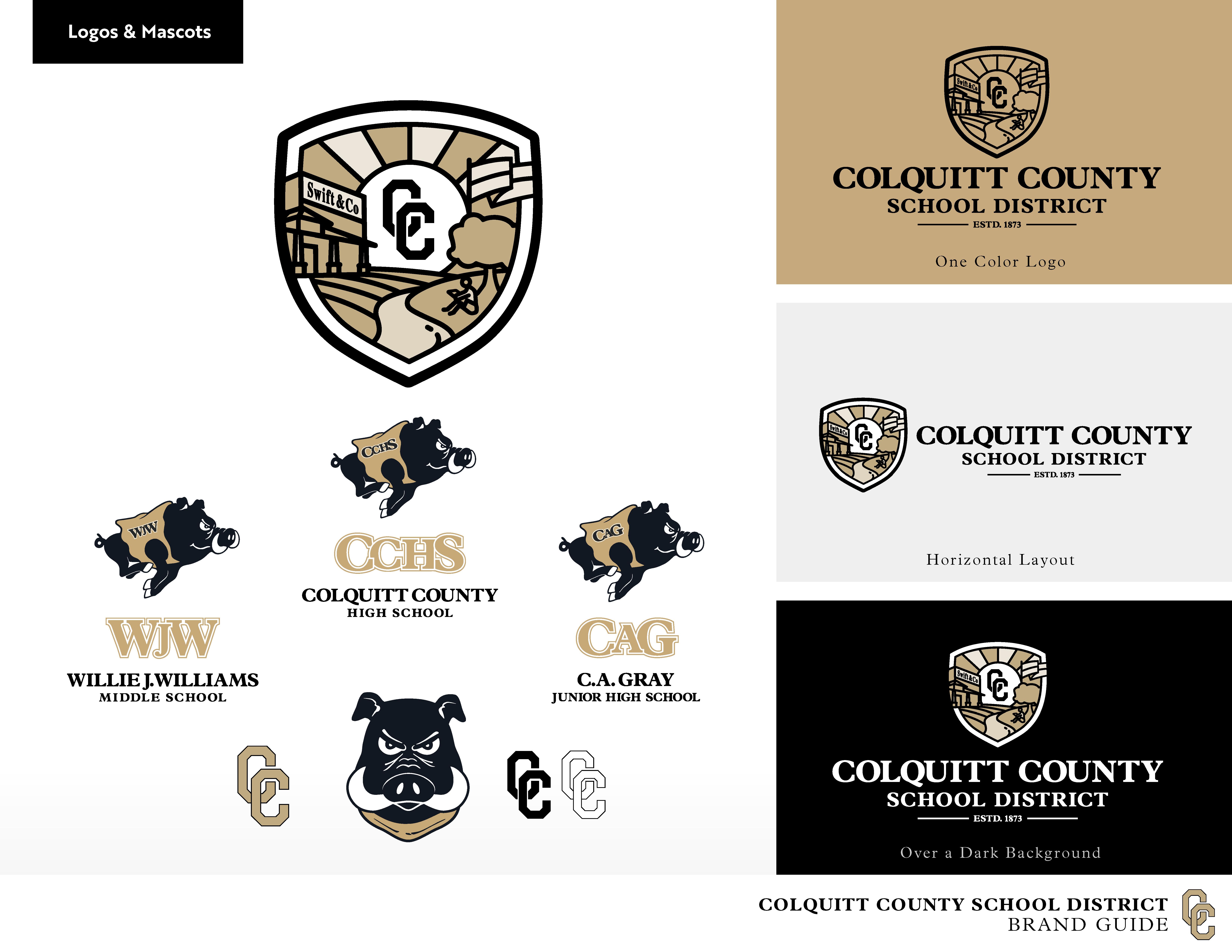
2)Is the high school crest changing or going away? No, the CCHS crest has not been changed. CCHS is free to use this crest as they have been. The crest was altered at some point and used by the district, but it was never meant to be used in that manner.
3)Why is there a new district logo? We did not have a district logo. Instead, the district was using several things such as the CCHS crest, Colquitt County Schools with shadows of children, and a Bell Tower. The new district logo tells the comprehensive story of the district just as the CCHS crest tells the comprehensive story of CCHS.
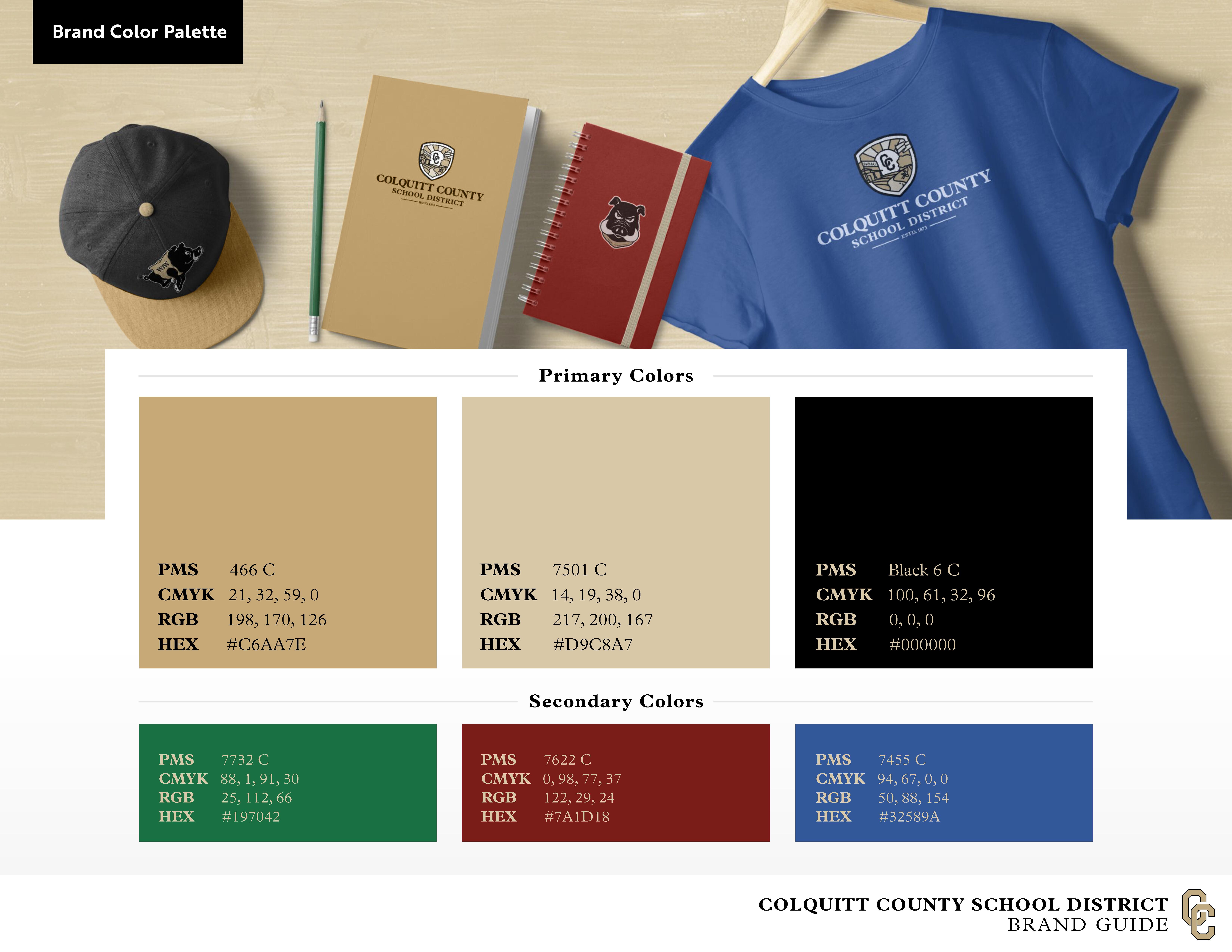
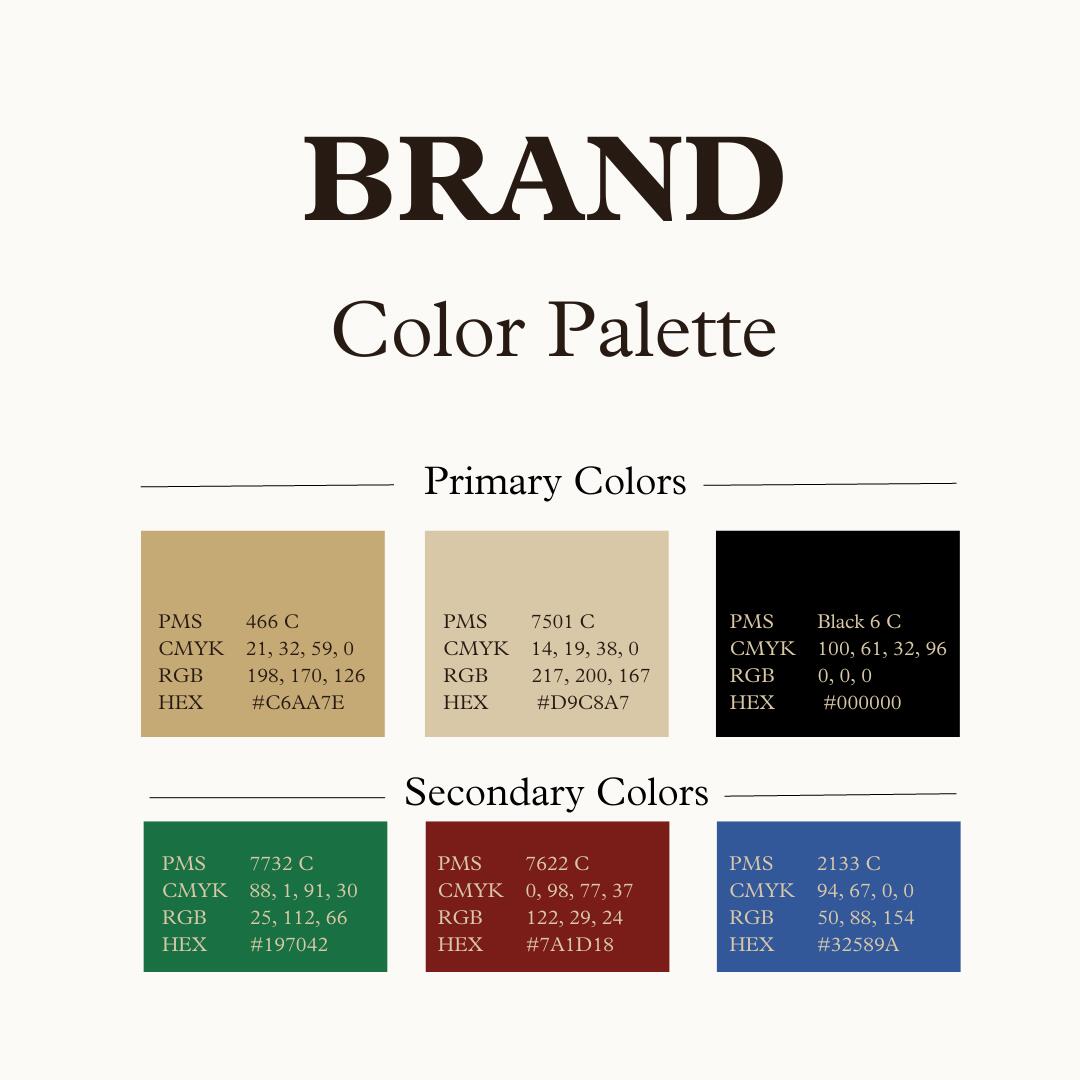
4)Was the gold color changed? The gold color has changed over the decades, and we realize most Packers remember and are loyal to the color from their era. Over time, the gold has been shaded darker/lighter, and the gold chosen most closely resembles the golds used. Please keep in mind the appearance of colors varies across computer screens, in print, and on apparel.
5)Why are there colors other than black and gold in the branding guide? The district has multiple elementary schools that use other colors and have for decades.
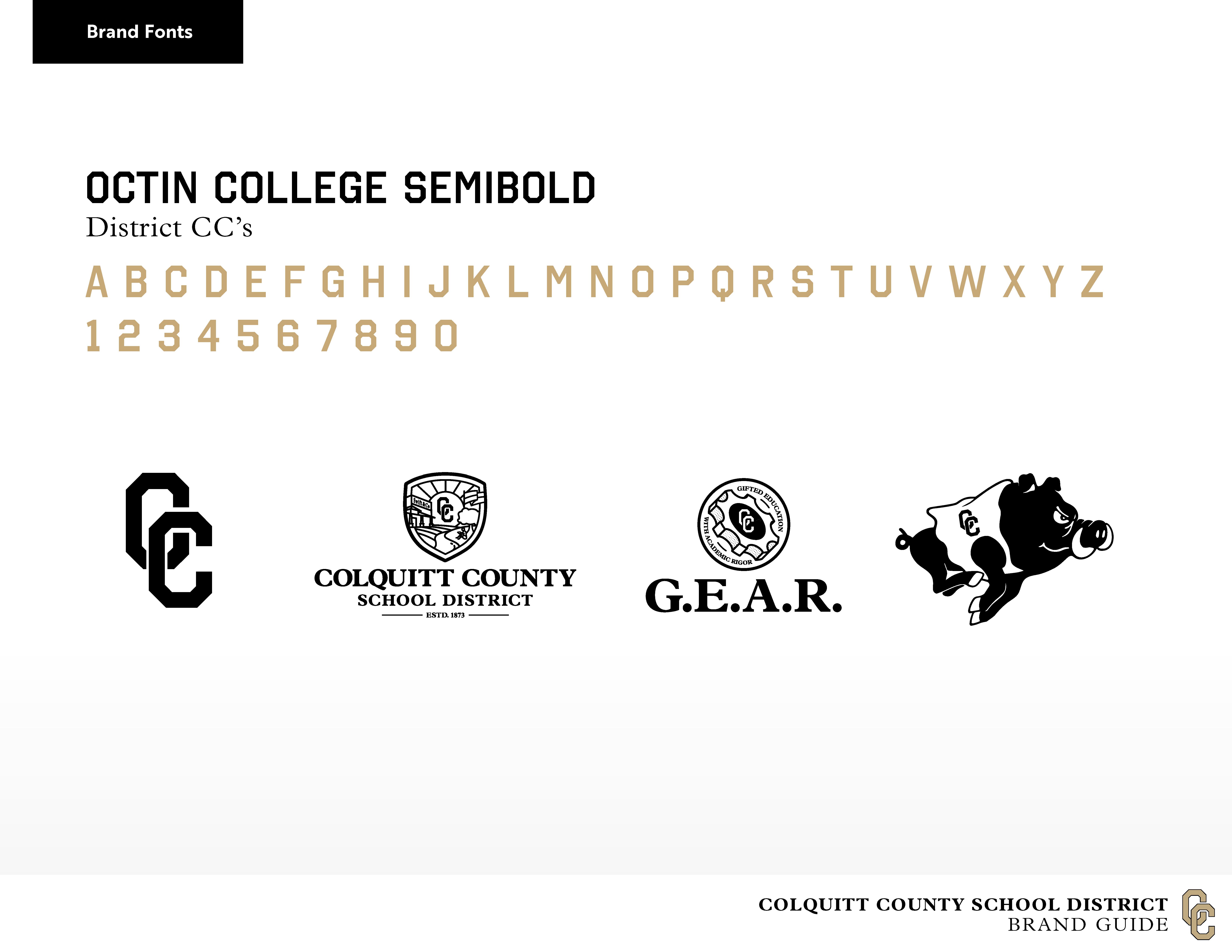
6)Were the CCs changed? The district was using a variety of interlocking CCs of different fonts, shapes and sizes. After working with athletics and other groups, a font was chosen that most resembled the interlocking block CC's that many were accustomed to. The interlocking CC's are used in the district seal, and for all of athletics.
7)Was the Packer Hog changed? The district was using a variety of Packer Hogs but now the district has one official Packer Hog. The jersey of the hog will have WJW, CAG, CCHS or interlocking CCs as appropriate.
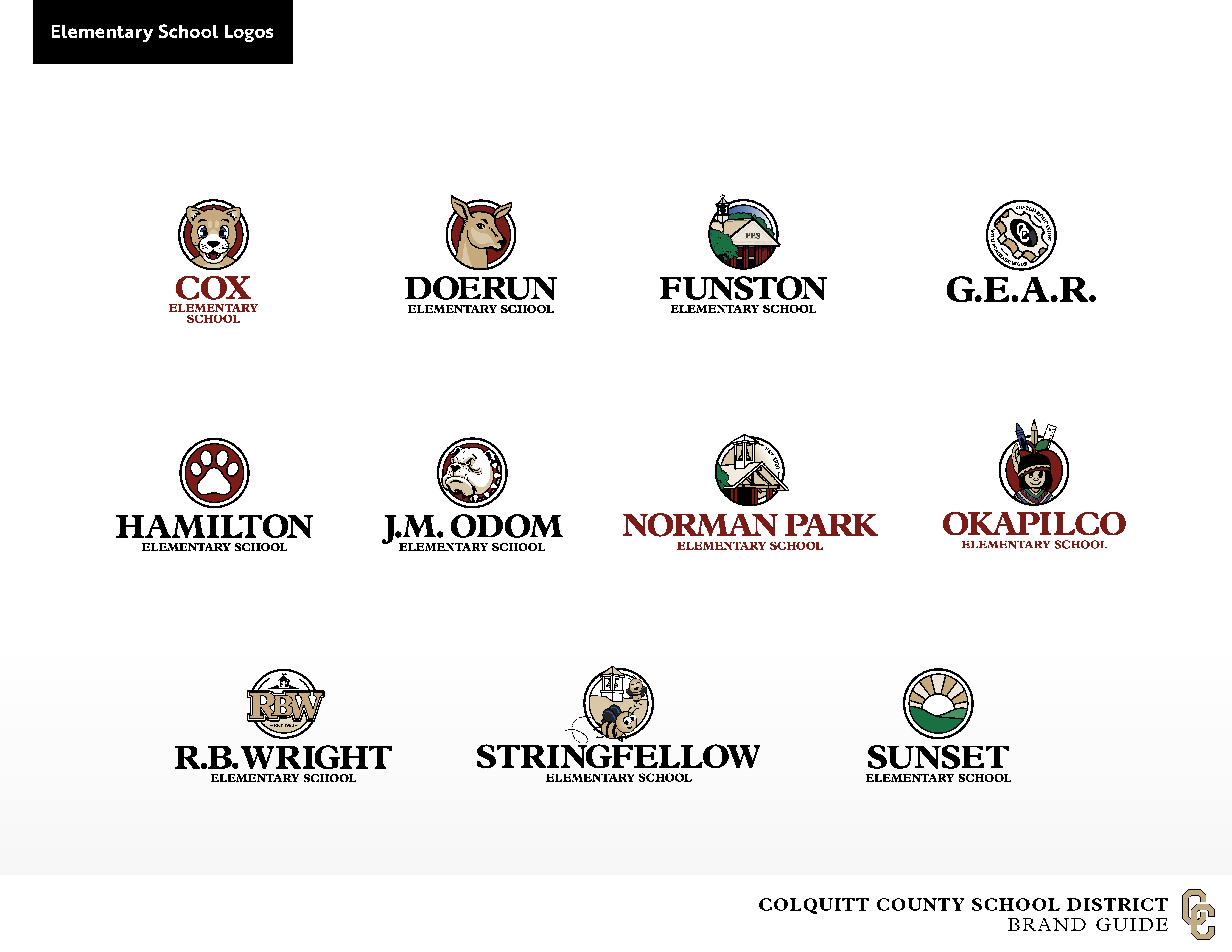
8)Why were elementary school logos changed? Our elementary schools did not have official logos which presented problems with vendors.
9)What was the process for decisions and feedback? The process began with all department heads at the district offices and all principals. It then expanded to a cross-section of teachers, coaches, and school administrators from the high school. The elementary principals choose to involve a variety of school leadership, teachers, and parents at their discretion.
10)Does the branding mean the district will start taking down all current signage? No. However, you will see the new branding on the website, social media, and print materials. As signage needs to be replaced due to age or fading, it will be updated.
PLEASE NOTE: The document below was created for web viewing only. Click for a print-version of the Brand Guide.

Raster vs. Vector
Raster images are composed of pixels and have a defined proportion determined by their resolution. This means if they were created at a certain size, that size cannot be stretched or altered without compromising quality or becoming distorted. You should always save raster files at the size they are intended for use to maintain their resolution integrity. Standard raster files are JPEG, PNG, and GIF.
Vector images are composed of proportional formulas, rather than having a defined proportion or a set number of pixels. This makes vector files very “flexible,” and it is helpful to know if you need to create a graphic that requires any kind of resizing — like a logo that is used on a business card or even as a bus wrap! Common vector files are EPS, AI, and PDF.
RGB vs cmyk
RGB stands for Red, Green, and Blue. As you’ve probably also noticed, this option is all about using primary colors (i.e., colors that, when mixed, can create any other color). RGB is the color set of choice for anyone whose media is designed to be viewed on a screen.
CMYK stands for Cyan, Magenta, Yellow, and Key. The term actually refers to black. It’s called key because black is the main color that determines the outcome of an image. The main difference between CMYK and RGB is that CMYK is used for printed media.
| FILE TYPE | USES | DETAILS |
|---|---|---|
| JPG | Print/Web |
JPEGs are raster images and are composed of hundreds and hundreds of tiny pixels. They are known as “lossy” files because when a JPEG is created, to maintain a smaller file size, some unnecessary information is permanently deleted or lost. Think of it like taking a photocopy of your favorite picture, the photocopy still looks like the original photo, but some of the original data is lost. Likewise, because the information in a JPEG is limited, they cannot be made larger once they are a certain size. |
| PNG | Web |
Short for “Portable Network Graphics” and pronounced “ping,” PNGs were designed as a more open alternative to GIFs. One of the factors that make a PNG stand out most is that they support transparency. This allows you to have a transparent background on a logo file, instead of the file having a white background that cannot be altered. |
| EPS | An “Encapsulated PostScript” file or EPS is a vector-based file that is designed to create high-resolution graphics for use in print. Many kinds of design software create EPS files because they are a universal file type, which gives them a great advantage. Creators are not limited to a single program to create, unlike with AI files, and can share and edit across multiple design programs. | |
| GIF | Web | GIFs are commonly used in the digital space, where images need to load quickly: like digital banner ads, websites, or emails. Rather than using a high-resolution image, many GIFs retain their most basic form of 256 colors in RGB. This allows the file to be much smaller in size, due to the limited color, and helps them to load more quickly. |
This site provides information using PDF, visit this link to download the Adobe Acrobat Reader DC software.